Change West Workspace
To change the parent west workspace, right-click on the application > Build Configuration > Change West Workspace. You can also right-click directly on the west workspace child row of the application.
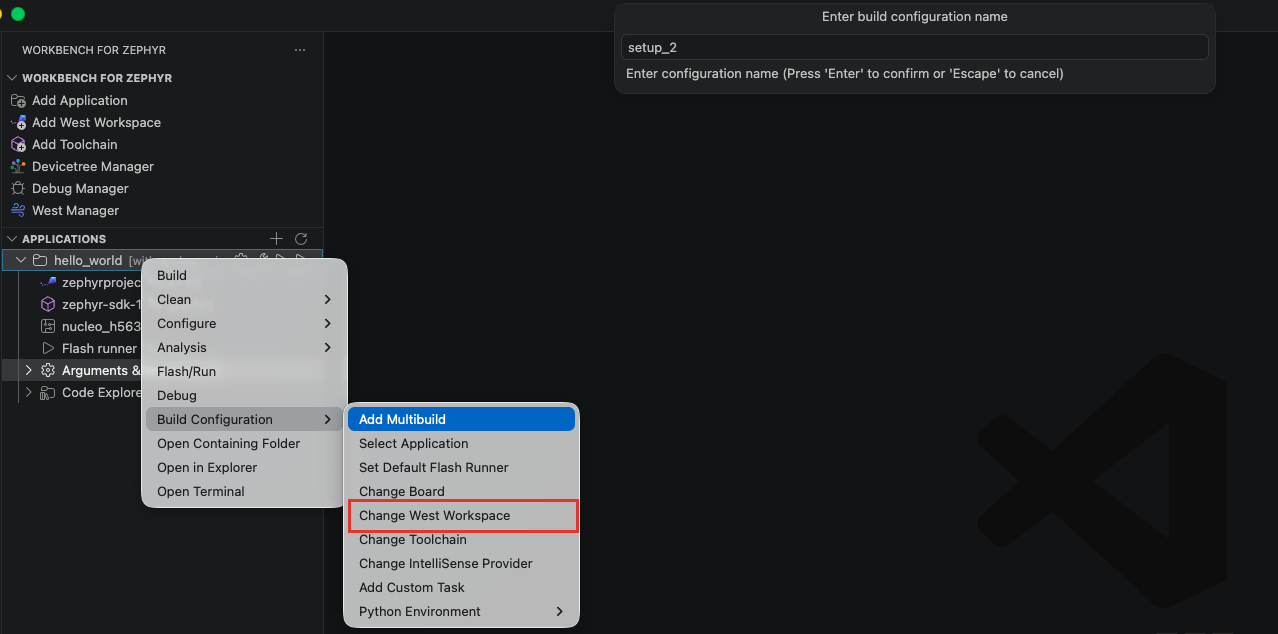
A quick pick lists the initialized west workspaces. Select the new west workspace to attach to, then press ENTER to confirm the change.
note
Only freestanding applications can change their west workspace. An application created inside a west workspace stays scoped by that workspace.
warning
Ensure the newly selected west workspace supports the target board to avoid build errors. If the application's toolchain does not match the new workspace's Zephyr version, a compatibility warning is shown.