ROM Report
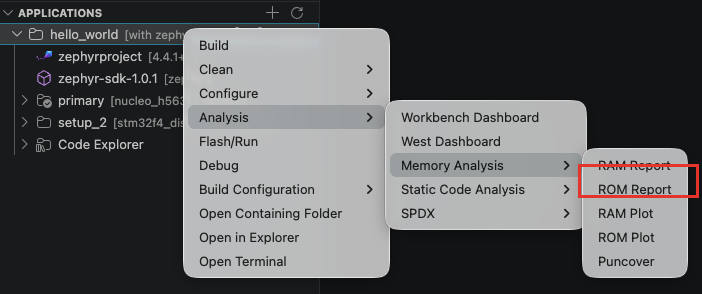
The ROM Report lists all compiled objects and their ROM usage. To display the application ROM Report, right-click on the application > Analysis > Memory Analysis > ROM Report.
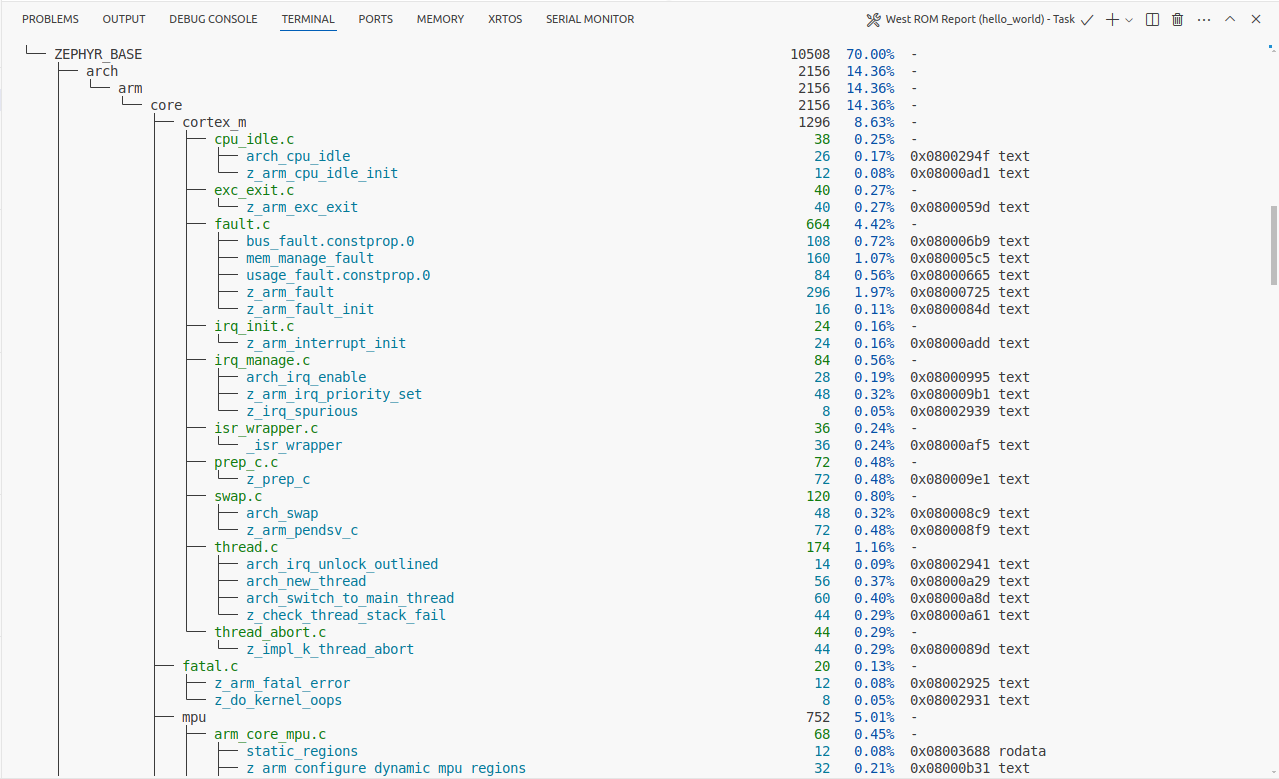
The report is displayed in the Terminal. The data is shown in a table, grouped by file system location. Each symbol is listed with its size in bytes and its percentage usage.
tip
For a graphical view of the same data, use the ROM Plot or the ROM tab of the Workbench Dashboard.